How Can I Secure My Business's Wireless Networks to Prevent Unauthorized Access?

September 19, 2024

Securing Your Business Wi-Fi

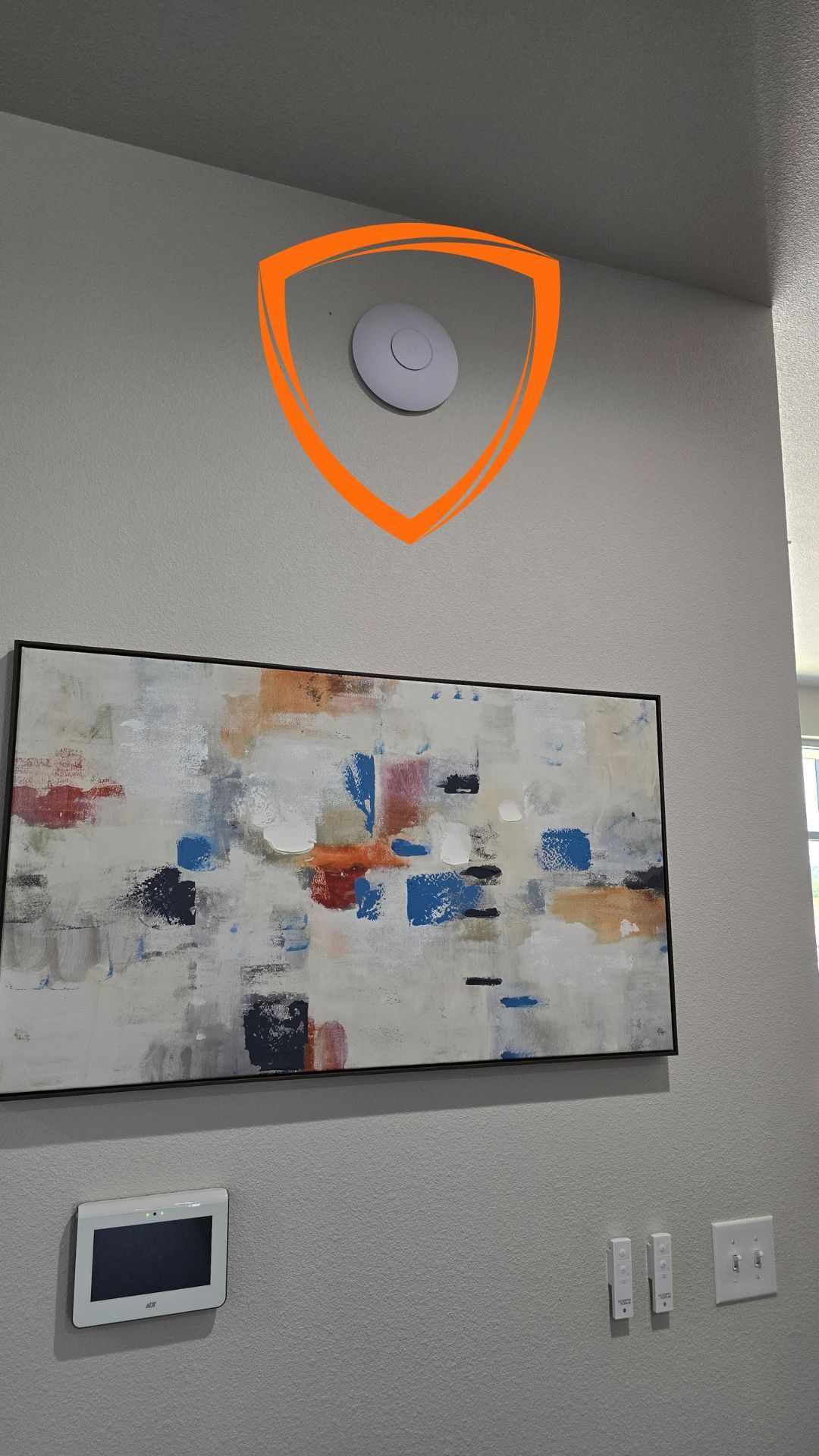
A painting is hanging on a wall next to a clock and a WiFi puck.

How Can I Secure My Business's Wireless Networks to Prevent Unauthorized Access?

Unsecured WiFi networks are akin to leaving your front door wide open, inviting unauthorized access to your business's critical data. In a world where cybersecurity threats are ever-present, securing your wireless network isn't just a good practice—it's essential. So, how can you lock down your wireless networks to protect your business from potential threats?


The Solution: Implement Robust Security Measures

The key to securing your wireless networks is to implement robust security measures that prevent unauthorized access and protect your data from potential breaches. By taking a proactive approach to WiFi security, you can ensure that your business's sensitive information remains confidential and secure.


Actionable Tip: Change Default Settings and Use Strong Encryption

To get started, change the default router settings and use strong, complex passwords. Default settings, including the router's password, are often well-known and can be easily exploited by attackers. By changing these settings and using a unique, hard-to-guess password, you make it much more difficult for unauthorized users to gain access to your network.


Additionally, enable WPA3 encryption if supported, which is the latest in WiFi security technology. WPA3 provides stronger encryption and better protection against password guessing attempts, ensuring that data transmitted over your network is protected from eavesdroppers and attackers.


The Key Benefits of Securing Your Wireless Networks

  1. Enhanced Security: By preventing unauthorized access to your wireless networks, you significantly reduce the risk of data breaches and protect your business's sensitive information from falling into the wrong hands.
  2. Improved Network Performance: A secure network prevents unauthorized devices from connecting and slowing down your bandwidth. By limiting access to only authorized users and devices, you ensure that your network remains fast and reliable.
  3. Compliance with Regulations: Many industries have specific regulations that require secure networks to protect customer data and maintain confidentiality. By securing your wireless networks, you demonstrate compliance with these regulations and avoid costly penalties.
  4. Increased Customer Trust: In today's data-driven world, customers expect their information to be safe when they interact with your business. By securing your wireless networks, you show your commitment to protecting customer data, enhancing trust and confidence in your services.


Don't Let Unsecured WiFi Be Your Weak Link

Don't let your business's wireless networks be the weak link in your security chain. By taking the necessary steps to secure these networks, you ensure that your data remains confidential and secure, protecting your business from potential threats and maintaining the trust of your customers.


Get Expert Help to Secure Your Wireless Networks

Securing wireless networks can be complex, especially for businesses with limited IT resources. To ensure that your networks are properly secured, consider partnering with HCS Technical Services. Their team of experts can assess your current setup, recommend the best security measures for your needs, and provide ongoing support to keep your networks locked down and protected.


Securing your business's wireless networks is a critical step in protecting your data and maintaining the integrity of your operations. By implementing robust security measures, changing default settings, using strong encryption, and partnering with experts, you can lock down your WiFi and keep your business safe from potential threats. Don't wait until it's too late—start securing your wireless networks today.

HCS Technical Services

White Wi-Fi signal icon on a light blue circular button.
January 28, 2026
Shared guest Wi-Fi passwords put your business at risk. Learn how a Zero Trust approach secures guest access without impacting daily operations.
Robot analyzing charts on a futuristic desk. Blue and green bar graphs display data.
January 21, 2026
Public AI tools can expose sensitive business data. Learn six practical ways to prevent AI-related data leaks and protect your clients and operations.
Person working on a laptop with overlaid icons related to legal and compliance matters.
January 14, 2026
Privacy laws are tightening in 2026. Use this compliance checklist to reduce risk, protect customer data, and keep your business aligned with new regulations.
Person in blue jacket using a tablet, surrounded by digital interface icons at a desk.
January 6, 2026
Without clear policies, ChatGPT can expose your business to risk. Learn five rules Central Texas businesses need for safe, responsible AI adoption.
Woman smiling, holding tablet, working late in an office.
December 29, 2025
An IT roadmap helps small businesses reduce downtime, control costs, and align technology with long-term goals through proactive planning and smarter decisions.
Woman seated on a couch holding a red mug, looking at a laptop with a lit Christmas tree in the background.
December 10, 2025
Holiday online shopping increases cyber risks for businesses. Protect your company by securing passwords, devices, and employee habits during the season safely.
A person is holding a cell phone with a padlock on the screen
July 30, 2025
Every day, your business sends and receives dozens, maybe hundreds, of emails. But what if we told you that without proper email security protocols in place, every single message could be a potential gateway for cybercriminals to infiltrate your business? If you're a small business owner in San Marcos , Austin, Wimberley, or New Braunfels, this isn't just a theoretical concern. It's a daily reality that could cost you everything. The Email Security Crisis Facing Small Businesses Recent studies show that 91% of cyberattacks begin with email . Yet most small businesses operate with email systems that are essentially wide open to attackers. Why? Because they're missing three critical security protocols that act as your email's first line of defense: SPF (Sender Policy Framework) DKIM (DomainKeys Identified Mail) DMARC (Domain-based Message Authentication, Reporting, and Conformance) Without these protocols properly configured, your business is vulnerable to: Email Spoofing and Phishing Attacks Cybercriminals can easily impersonate your domain, sending fake emails that appear to come from your business. This damages your reputation and can trick your customers into sharing sensitive information. Business Email Compromise (BEC) Attackers can intercept and manipulate your email communications, potentially redirecting payments or stealing confidential business information. Deliverability Issues Major email providers like Gmail and Outlook are increasingly rejecting emails from domains without proper authentication, meaning your legitimate business emails might never reach your customers. The Real Cost of Poor Email Security Consider this scenario: A local Austin restaurant had their email domain spoofed by cybercriminals who sent fake invoices to their suppliers. The result? $15,000 in fraudulent charges, damaged vendor relationships, and weeks of recovery time, all because basic email security wasn't in place. This isn't an isolated incident. Small businesses lose an average of $25,000 per email security breach, and many never fully recover from the reputational damage. What Are SPF, DKIM, and DMARC? Let's break down these essential email security protocols in simple terms: SPF (Sender Policy Framework) tells receiving email servers which IP addresses are authorized to send emails on behalf of your domain. Think of it as a guest list for your email domain. DKIM (DomainKeys Identified Mail) adds a digital signature to your outgoing emails, proving they actually came from your domain and haven't been tampered with during transit. DMARC (Domain-based Message Authentication, Reporting, and Conformance) ties SPF and DKIM together, telling receiving servers what to do with emails that fail authentication—and provides you with reports on attempted spoofing. Why Small Businesses Struggle with Email Security Most small business owners know they need better cybersecurity , but email authentication often gets overlooked because: It's technical and confusing - Setting up these protocols requires DNS knowledge that most business owners don't have It's not visible - Unlike a firewall or antivirus, you can't "see" email authentication working It seems optional - Until something goes wrong, many businesses don't realize how critical it is Fear of breaking email - One wrong configuration can stop all email delivery The HCS Solution: Professional Email Security Setup At HCS Technical Services, we've seen too many local businesses fall victim to preventable email attacks. That's why we're now offering specialized Email Security Authentication Projects —focused, one-time services designed specifically for small businesses that need their email security fixed quickly and correctly. What Our Email Security Service Includes: Complete SPF Record Setup - We'll identify all legitimate email sources for your domain and create a properly configured SPF record DKIM Implementation - We'll generate and install DKIM keys for all your email services, ensuring your messages are digitally signed DMARC Policy Configuration - We'll set up DMARC with the right policy level for your business, starting with monitoring and progressing to enforcement DNS Configuration - All necessary DNS records will be properly configured and tested Verification and Testing - We'll thoroughly test your email authentication to ensure everything works correctly Documentation and Training - You'll receive clear documentation of what was implemented and basic training on monitoring your email security Why Choose HCS for Your Email Security Project? Local Expertise : We understand the specific needs of businesses in Central Texas Proven Track Record : Over 25 years of experience protecting local businesses Fixed-Price Project : No surprises—you'll know exactly what you're paying upfront Quick Turnaround : Most email security projects completed within 3-5 business days Ongoing Support : While this is a one-time project , we're always here if you need help Don't Wait Until It's Too Late Every day you operate without proper email security is another day you're rolling the dice with your business's reputation and financial security. The good news? This is a problem that can be solved quickly and affordably. Ready to protect your business email? Contact HCS Technical Services today for a free email security assessment. We'll review your current setup and provide you with a clear, no-obligation quote for getting your SPF, DKIM, and DMARC properly configured.
A laptop with a broken screen is sitting in front of servers
By info July 24, 2025
The advent of mobile technology and the rising trend of flexible work environments have led to the widespread use of personal devices in the workplace, known as BYOD (Bring Your Own Device). While this practice of allowing employees to use their smartphones, tablets, and laptops for work offers significant benefits, including increased productivity, lower hardware costs, and improved employee satisfaction, it also introduces considerable risks to network security. Personal devices may not be subject to the same stringent security protocols as company-issued devices, making them vulnerable points of entry for cybercriminals. Without proper safeguards, sensitive company data can easily be accessed or intercepted when transmitted over unsecured networks. Personal devices often lack the necessary encryption, security patches, and anti-virus software that can protect against malware attacks. The combination of these factors makes it imperative for businesses to understand the potential vulnerabilities associated with BYOD practices and adopt a comprehensive security strategy that minimizes risks while maintaining the benefits of flexibility and mobility.
A map of the world with a shield in the middle
July 22, 2025
In recent years, the shift to remote work has accelerated, driven by technological advancements and the global pandemic. This transformation has opened up new opportunities for businesses and employees alike, allowing greater flexibility and access to talent worldwide. However, this shift also poses significant challenges, particularly in ensuring secure and efficient IT support for remote and traveling employees. Companies must consider how to protect their data while providing seamless access to necessary resources. The lack of direct oversight and controlled environments that offices typically provide can expose more vulnerabilities. As a result, businesses need strategic solutions that involve an amalgamation of robust IT infrastructure, secure cloud computing, and comprehensive cybersecurity measures. By investing in these areas, companies can adapt to this new work paradigm and safeguard their operations, thereby maintaining productivity and minimizing risks.
A man in a suit and tie is shaking hands with another man in front of a graph.
July 17, 2025
In the rapidly evolving business landscape, staying competitive requires more than just a strong product or service. Technology is at the core of operations, decision-making, and customer interactions in nearly every industry. A dedicated technology partner plays a crucial role by providing expertise, support, and innovative solutions tailored to the unique needs of a business. Such a partnership can help businesses leverage the latest technologies to improve efficiency, drive growth, and respond quickly to market changes. By outsourcing IT functions to an experienced technology partner, companies can focus on their core activities while benefiting from cutting-edge technology and comprehensive support. This proactive approach ensures that businesses are equipped with the knowledge and tools needed to navigate technological challenges, seize new opportunities, and maintain a competitive edge in their market. A technology partner becomes a strategic part of the business, helping to align technological initiatives with business objectives and ensuring that all technology investments are both efficient and effective.
More Posts