The Power of Dual Screens: Boosting Productivity for Any Job
Maximizing Your Screen Real Estate: The Benefits of Dual Monitors
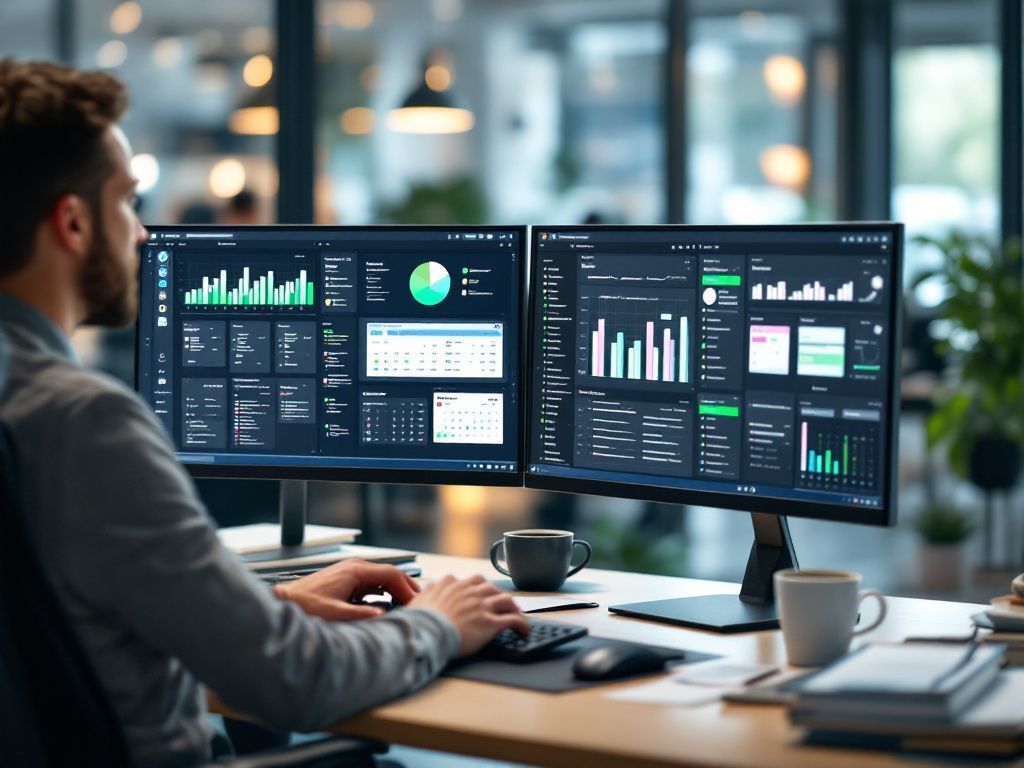
When you see people working with two monitors, you might assume they're doing specialized work that requires all that screen space, or they just really like technology. But having an additional display can benefit anyone, even if you're doing accounting or document work all day.
We often get used to being boxed in by the screen size we have, struggling to fit two windows next to each other or continuously clicking between layers of windows on the desktop. This can eat up time during the day, and using dual screens can help eliminate this issue.
The Productivity Benefits of Dual Screens
According to a study by Mavenlink, 73% of surveyed businesses say they spend over an hour per day on average just switching between different apps. But how much can using a second monitor improve productivity? Probably more than you realize.
Jon Peddie Research found that employees in all types of jobs can improve productivity by an average of 42% when using two screens. From three studies conducted over 15 years, they also found that between 2002 and 2017, there's been a significant rise in the use of two monitors, with a compound annual growth rate of 10%.
The Advantages of Adding a Second Screen
Do More in Less Time
The biggest advantage to using a second monitor is that you can do more in less time because you're not struggling to get to the windows you need when you need them.
Expands Screen Space for Laptops
Laptops are great for portability, but the more portable the laptop, the smaller the screen space. Connecting your laptop to a monitor can significantly improve the experience and make it like working on a normal desktop PC.
Side-by-Side Comparisons Are Easier
There are a lot of tasks that require looking at data in two windows. With two monitors, you have the screen real estate you need to fully open both windows and have them right next to each other.
More Freedom During Video Calls
Have you ever been screen sharing on a video call and needed to check an email or review notes? With dual screens, you can choose which screen you want to share during meetings, and still have apps open on the other screen that no one can see.
Fairly Inexpensive Productivity Booster
Purchasing another display is a fairly low investment when looking at technology. A monitor can be purchased from anywhere between $125 to $250 on average, and with a 42% average productivity boost, it can have a pretty sweet ROI.
Need Help Improving Productivity?
There are several productivity boosts that you can get using the right technology tools, and they don't have to cost a fortune. Ask us how we can help you!
HCS Technical Services