IT Operations
Technology needs to be reliable so you can keep the work moving.
What to Know
Effective IT operations need more than a response to something breaking.
01
Give Employees Reliable Support
Responsive technical assistance, remote troubleshooting, issue escalation, and coordination with software vendors.
02
Keep Devices Ready for Work
Proactive maintenance, security updates, endpoint protection, warranty tracking, and consistent device management.
03
Manage Your Cloud Workspace
Microsoft 365 and Google Workspace administration, user accounts, permissions, collaboration tools, and backup.
04
Protect the Data in Your Operations
Offsite cloud backup, restoration planning, routine testing, and protection against accidental loss or system failure.
Give Employees Reliable Support
Workplace technology issues can vary wildly, from an employee losing access to an account or encountering a device problem, to struggling with an application that is essential to their work. Without a clear source of support, people lose time trying to solve problems for themselves or waiting for someone to determine who should be solving them.
We provide employees with a dependable way to request assistance and receive remote technical support. Issues can be documented, prioritized, and escalated according to their impact so the most disruptive problems receive the appropriate attention.
When an issue involves a line-of-business application supported by another provider, we can help determine whether the underlying problem involves the device, network, account, or other IT infrastructure. We can then coordinate with the software vendor to help move the issue toward resolution.
Keep Devices Ready for Work
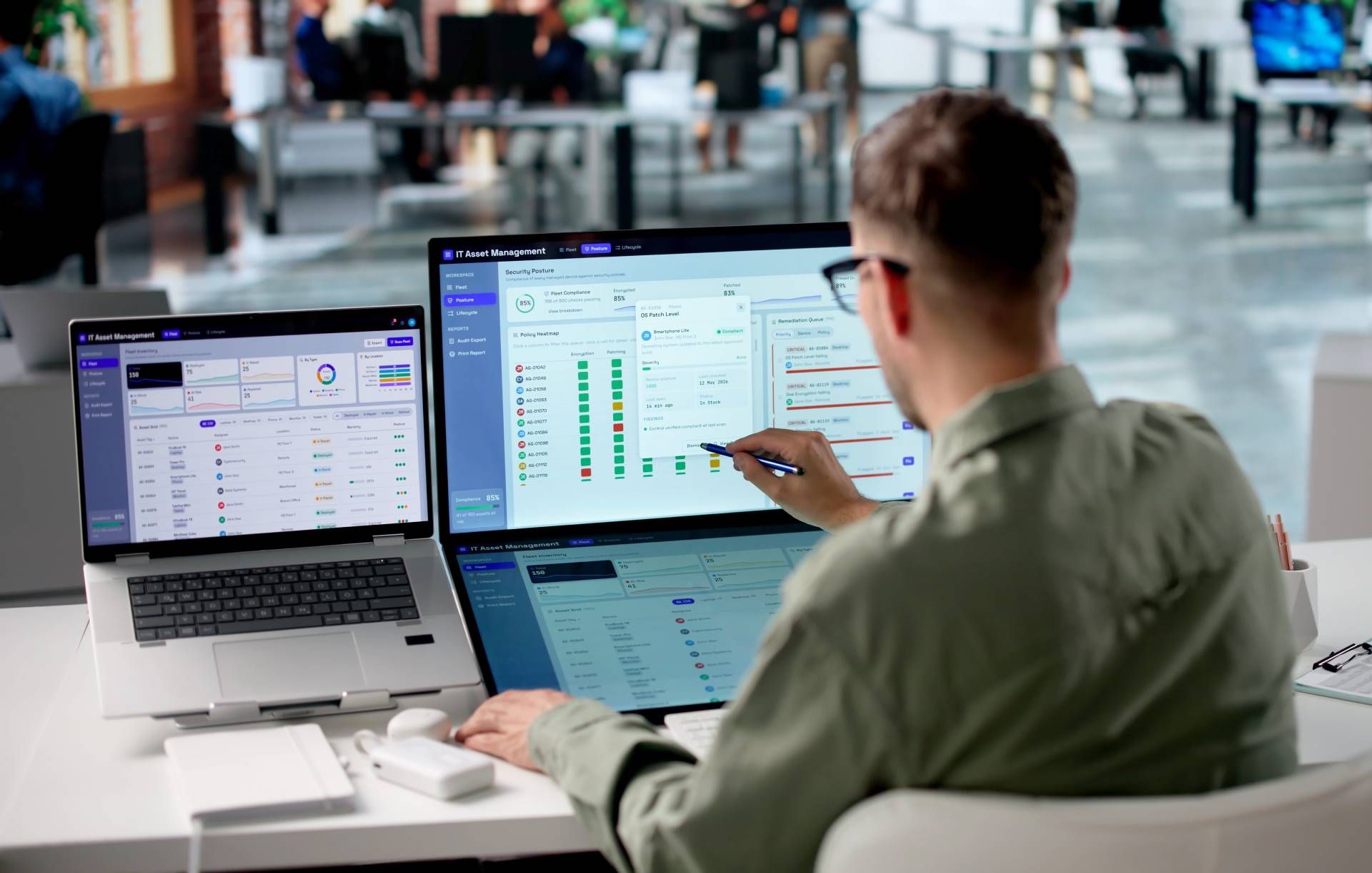
Employee computers require ongoing attention. Security updates need to be installed, device health needs to be monitored, warranties need to be tracked, and emerging problems need to be addressed before they interfere with daily work.
We provide proactive endpoint maintenance that helps keep devices current, stable, and appropriately protected. This includes operating-system and application updates, configuration management, performance monitoring, warranty administration, and endpoint detection and response.
Consistent device management also gives the business greater visibility into the technology employees are using. Instead of waiting for individual devices to fail, problems can be identified earlier and addressed through a more organized maintenance process.
Manage Your Cloud Workspace
Microsoft 365 and Google Workspace often become central to communication, document storage, collaboration, and everyday business. As employees join, change roles, or leave the organization, accounts and permissions can quickly become difficult to manage consistently.
We help administer the cloud environment by managing user accounts, access, groups, and standard collaboration settings. For Microsoft 365, that can include SharePoint configuration and account administration. And for Google Workspace support, it may include things like user accounts, groups, and related administrative needs.
Good administration makes it easier for employees to access the tools they need while reducing abandoned accounts, inconsistent permissions, and avoidable confusion. It also creates a more dependable process for onboarding, role changes, and offboarding.
Protect the Data Behind Your Operations
Important business information can be lost any number of ways: accidental deletion, device failure, software problems, account compromise, or some larger, uncontrollable disruption. Cloud applications may provide retention features, but those don't always replace an independent backup strategy.
We help you by first determining which systems and information need to be protected, then establishing appropriate offsite backup coverage, which may include Microsoft 365, Google Workspace, servers, cloud systems, or any other data you depend on.
It's also crucial for backups to be validated. Routine restoration testing helps confirm that protected information can actually be recovered and gives the organization a better understanding of the restoration process before an urgent need arises.

Keep it Usable
Build a More Dependable IT Foundation
Stabilize and Standardize
Bring devices, accounts, and essential systems into a more consistent operating condition.
- Environment and device review
- Patch and configuration baselines
- Account and permission cleanup
- Backup coverage review
- Immediate issue remediation
Manage and Support
Handle the recurring technology needs that affect employees and daily operations.
- Endpoint maintenance
- Responsive technical support
- Microsoft 365 and Google administration
- Employee onboarding and offboarding
- Software vendor coordination
Plan and Improve
Keep technology dependable as equipment, applications, and business needs change.
- Device lifecycle planning
- Collaboration improvements
- Backup and restoration testing
- Operational reporting
- Ongoing technology guidance
