
Ways Employee Personal Devices Can Compromise Your Company Network Security
Ways Employee Personal Devices Can Compromise Your Company Network Security
Introduction to the Growing Use of Personal Devices in the Workplace
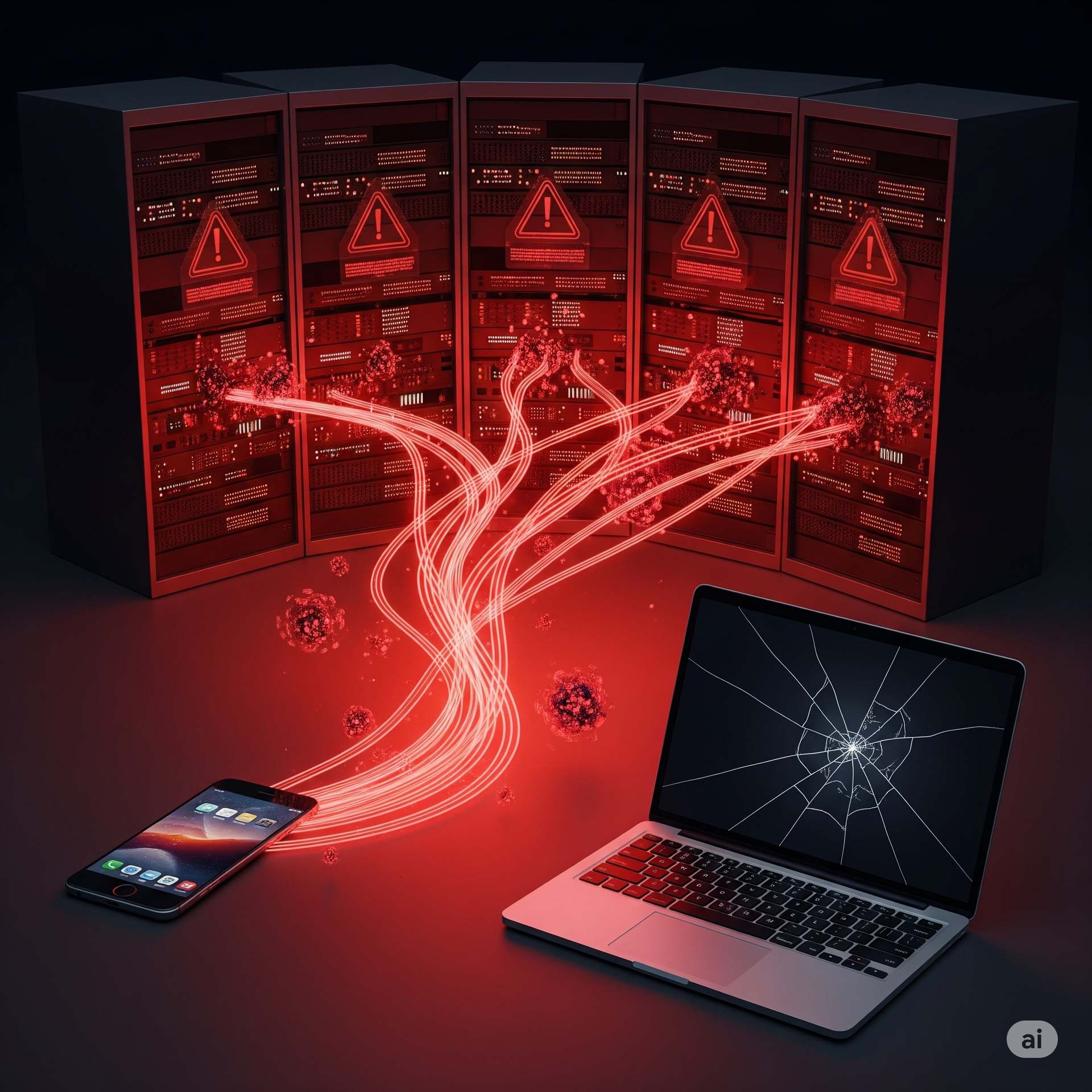
The advent of mobile technology and the rising trend of flexible work environments have led to the widespread use of personal devices in the workplace, known as BYOD (Bring Your Own Device). While this practice of allowing employees to use their smartphones, tablets, and laptops for work offers significant benefits, including increased productivity, lower hardware costs, and improved employee satisfaction, it also introduces considerable risks to network security. Personal devices may not be subject to the same stringent security protocols as company-issued devices, making them vulnerable points of entry for cybercriminals. Without proper safeguards, sensitive company data can easily be accessed or intercepted when transmitted over unsecured networks. Personal devices often lack the necessary encryption, security patches, and anti-virus software that can protect against malware attacks. The combination of these factors makes it imperative for businesses to understand the potential vulnerabilities associated with BYOD practices and adopt a comprehensive security strategy that minimizes risks while maintaining the benefits of flexibility and mobility.
Key Risks Posed by Employee Personal Devices
Employee personal devices can pose several significant risks to an organization's network security. Key vulnerabilities include:
- **Inconsistent Security Measures**: Unlike company-owned devices, personal devices are often configured differently in terms of security. This inconsistency can lead to gaps in protection that adversaries could exploit.
- **Unsecured Wi-Fi Connections**: Employees frequently connect to public or home Wi-Fi networks that lack encryption, increasing the risk of unauthorized access and interception of data.
- **Outdated Software**: Personal devices may not be regularly updated with the latest security patches, leaving them susceptible to newly discovered vulnerabilities.
- **Lack of Encryption**: Many personal devices do not use full-disk encryption, exposing sensitive data in the event of theft or loss.
- **Data Leakage**: Employees might inadvertently download malware or share company data through unsecured apps and services on their devices.
These vulnerabilities highlight the need for robust security policies and the implementation of security measures across all devices accessing the corporate network.
Implementing a BYOD Policy to Mitigate Risks
To effectively manage the risks associated with personal device usage, businesses should implement a comprehensive BYOD policy. A well-structured policy should address the following components:
- **Security Requirements**: Define mandatory security measures such as the use of strong passwords, enabling device encryption, and installing mobile device management software.
- **Network Access Controls**: Establish VPN access to ensure secure connections and implement multi-factor authentication for a layered defense approach.
- **Regular Software Updates**: Mandate regular updates of operating systems and applications to protect against vulnerabilities.
- **Data Protection Measures**: Specify guidelines for data encryption, backup protocols, and the restriction of data sharing to approved applications.
- **Monitoring and Compliance**: Conduct regular audits and provide training to ensure compliance and improve employee awareness of security practices.
By outlining clear expectations and establishing robust security measures, organizations can reduce the potential impact of BYOD-related security risks.
Employee Training: A Critical Component for Enhancing Security
No security strategy is complete without addressing the human factor. Employee training is crucial for enhancing overall network security, especially when employees use personal devices for work. Training programs should focus on:
- **Cybersecurity Awareness**: Educate employees about the latest phishing techniques and malware threats to prevent accidental information leaks.
- **Best Practices for Device Security**: Teach employees how to secure their devices, including setting up robust passwords, enabling two-factor authentication, and recognizing signs of malware infections.
- **Data Handling Procedures**: Ensure employees understand proper data handling and the importance of compliance with company policies and regulations.
- **Incident Reporting**: Encourage prompt reporting of lost or stolen devices and any suspicious activity, allowing IT teams to respond swiftly to potential breaches.
By empowering employees with knowledge and skills, organizations can create a proactive security culture that enhances overall resilience against cyber threats.
The Role of Advanced Security Technologies in Safeguarding Networks
Beyond policies and training, leveraging advanced security technologies is essential in reinforcing network defenses against potential intrusions from personal devices. Key technologies to consider include:
- **Mobile Device Management (MDM)**: MDM solutions allow IT administrators to monitor, manage, and secure mobile devices accessing corporate networks, ensuring compliance with security policies.
- **Encryption Software**: Implement encryption tools to protect data both in transit and at rest, ensuring that even if data is intercepted or devices are lost, the information remains secure.
- **Endpoint Security Solutions**: Deploy endpoint protection tools that provide real-time threat detection and response capabilities tailored for devices ranging from laptops to smartphones.
- **Network Segmentation**: Segment corporate networks to isolate sensitive data access and mitigate the risk of lateral movement by unauthorized users.
Integrating these technologies into the existing infrastructure enhances security layers and provides a fortified defense against cyber threats.
Conclusion: Balancing Flexibility with Security
In the modern workplace, the use of personal devices is likely to continue growing. Businesses must understand the security implications and proactively address the challenges that BYOD presents. By implementing robust security policies, investing in advanced technologies, and fostering a culture of security awareness, organizations can effectively mitigate risks while leveraging the benefits of flexible device usage. The balance between security and flexibility can be achieved through a collaborative approach involving IT teams, security professionals, and informed employees. By doing so, businesses can not only protect their networks but also enhance productivity and employee satisfaction in an increasingly connected world. Prioritizing a strategic approach to personal device security ensures that companies remain resilient and ready to respond to emerging cyber threats, safeguarding their data and reputation in the long term.
HCS Technical Services